
 Contact
  Infocenter
  Login
Login  0 Product Products 0 Items
 No products
Your basket contains
0 Product(s) for a total of: 0,00 €
0 Product(s) for a total of: 0,00 €

Product successfully added to your shopping cart
Quantity
Total
There are 0 items in your cart. There is 1 item in your cart.
Total products
Total shipping To be determined
Total
Cities in Motion 2 (PC)


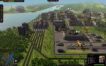


Cities in Motion 2 (PC)

Cities in Motion 2 CD key to be activated and downloaded via Steam. You will not be sent any physical items in the mail. You will receive a(n) Steam product key via e -mail.
CITIES IN MOTION 2 GAME DESCRIPTION
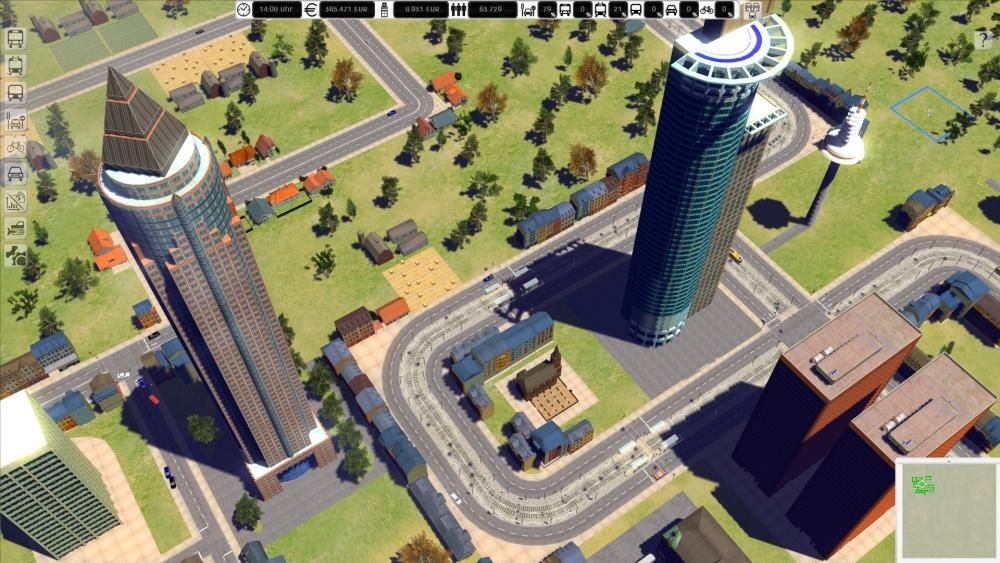
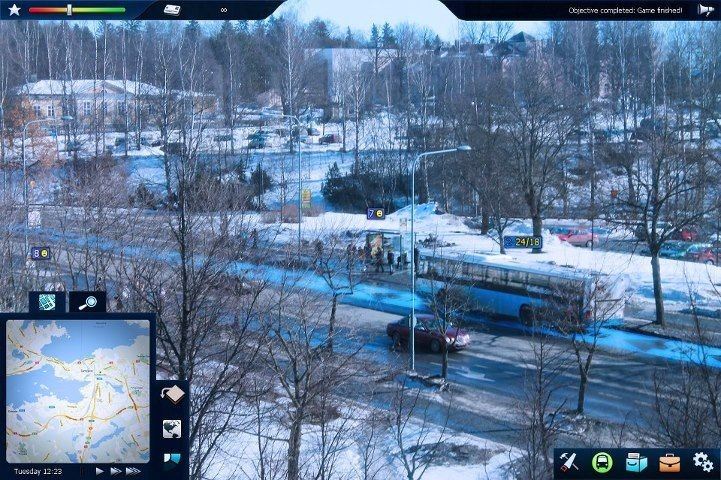
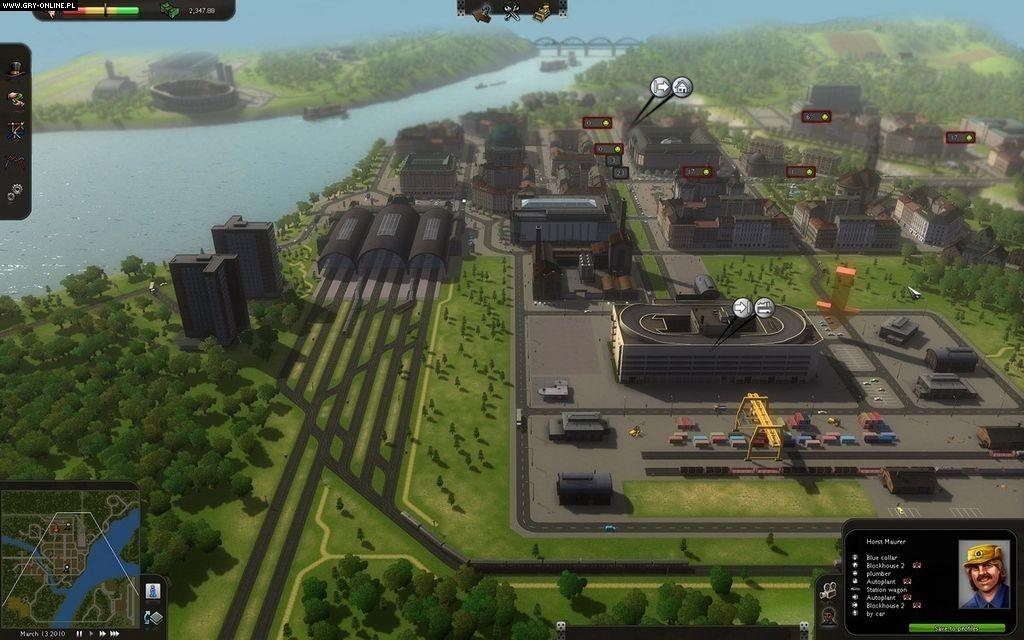
Cities in Motion 2 (CIM2) is the sequel to the popular mass transit simulation game Cities in Motion. Build, manage and lead your transportation network to provide cities with their ever changing needs. CIM2 introduces new features including multiplayer game modes, day and night cycles, timetables and dynamic cities.
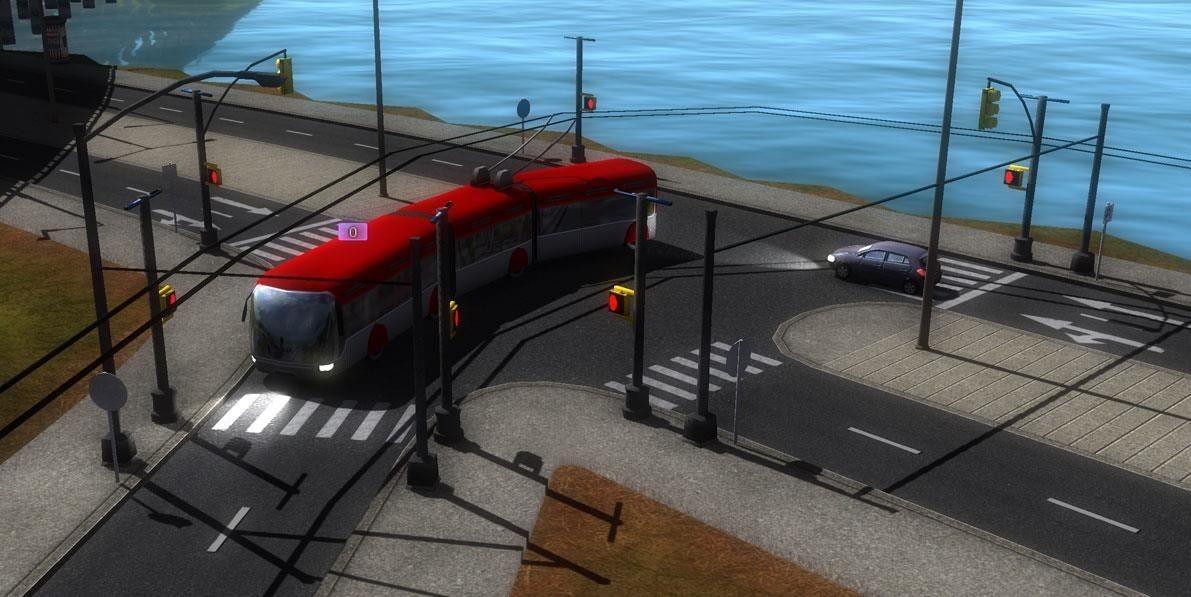
Building the transportation network will directly affect how the city grows. Affordable transportation brings middle class housing and work places, while more expensive and exotic choices bring high end businesses. Take advantage of many different types of vehicles including buses, trams, ferries and more.
Build alone or play cooperatively with a friend. Use the newly implemented bus lanes to build efficient traffic free roadways. Tackle rush hour by managing transportation timetables and meeting the needs of the citizens.
Features
- Dynamic cities
- Player’s choices effect city growth
- Day and night cycle
- Manage the timetables
- Multiplayer with both co-operative and competitive modes
- Campaign and sandbox modes
Requires a Steam account
Legal Information
FREQUENTLY ASKED QUESTIONS
How does it work? Will I receive Cities in Motion 2 as a physical copy?
No, you will receive Cities in Motion 2 product key (Cities in Motion 2 CD Key), that you will receive by e-mail. Afterwards, you will need to use the Steam-platform to redeem your Cities in Motion 2 product key (Cities in Motion 2 CD Key), and you'll be ready to download, install and play Cities in Motion 2. You will receive a step-by-step guide on how to do this along with your purchase. It's easy as can be!
Expansion packs 

Cities in Motion 2: Wending Waterbuses
Cities in Motion 2: Trekking Trolleys
Cities In Motion 2: European Vehicle Pack
Cities in Motion 2: Marvellous Monorails
Cities in Motion 2: European Cities
Cities in Motion 2: Back to the Past
Cities in Motion 2: Olden Times
Cities in Motion 2: Metro Madness
Cities in Motion 2: Lofty Landmarks
Cities in Motion 2: Bus Mania
Cities in Motion 2: Players Choice Vehicle Pack
Cities in Motion 2 Soundtrack
Genre Simulation Strategy Single-player Multi-player Co-op Cross-Platform Multiplayer Steam Achievements Steam Trading Cards Steam Workshop Family Sharing
Publisher Paradox Interactive
PEGI-rating 
Developer Colossal Order
Multiplayer Yes
Release date 02-04-2013
System requirements Read morePage:1